Awareness
Receive a prompt when an item separates from you in a way that may matter.
Connect it. Name it. Keep track of it. Use Find Mode when something goes missing.
Bring eTag near ePhone, follow the connection prompt, and choose a name for the item. Your eTag is then linked to your account and ready to use.

Open Find Mode on ePhone to see distance and direction guidance for a nearby eTag. As you close in, the North Star on eTag pulses soft blue to help you spot it.
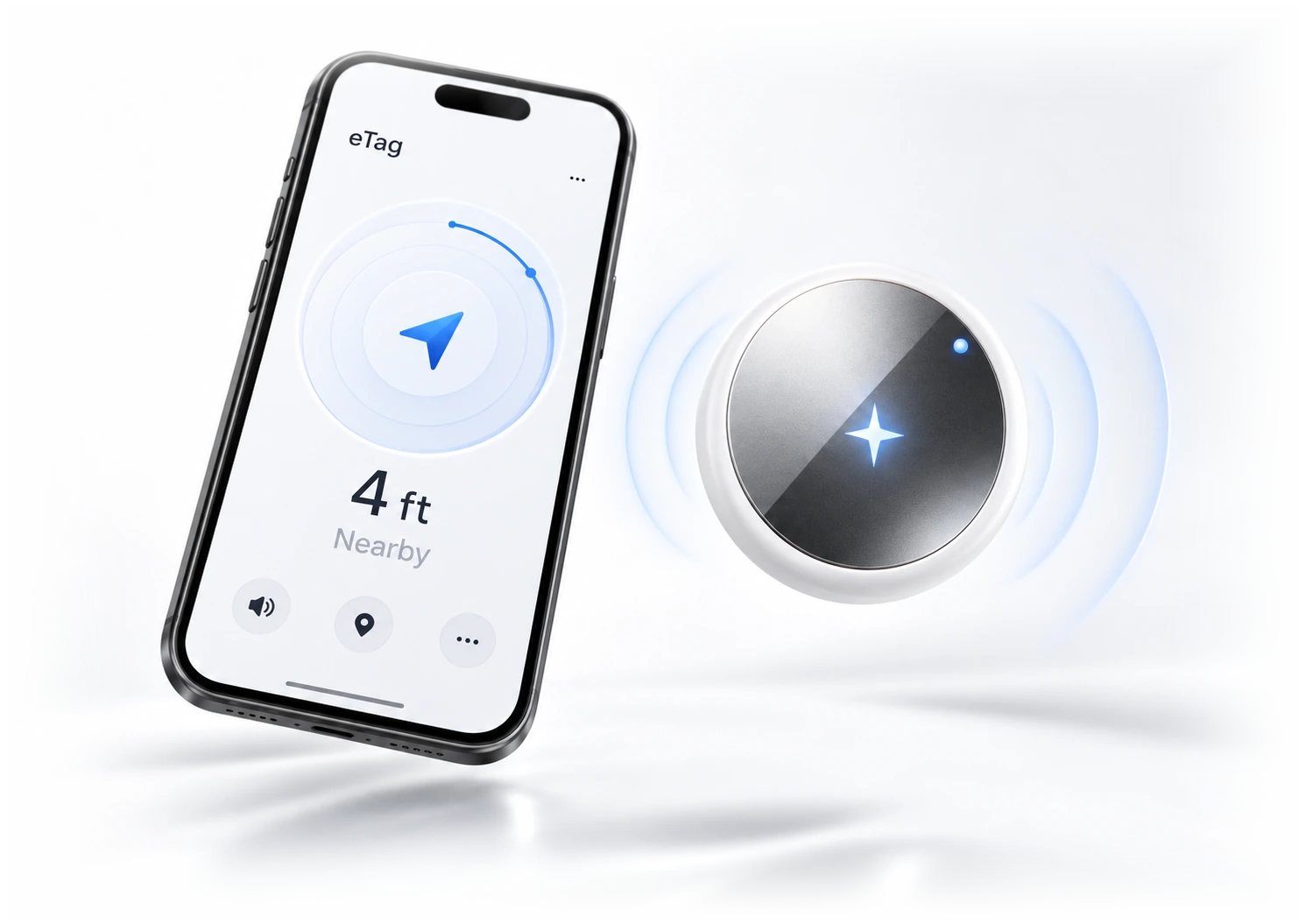
When you know the item is close, play eTag’s find sound to help locate it under a cushion, inside a bag, or wherever it is hiding.
eTag can alert you when a linked item may have been left behind, so you can act sooner instead of discovering the problem hours later.
Receive a prompt when an item separates from you in a way that may matter.
See which eTag-linked item needs your attention.
Open the finding experience and start looking right away.
Use recovery tools to control what information a finder can see, and temporarily share a lost item’s location with someone you trust when you want help bringing it home.
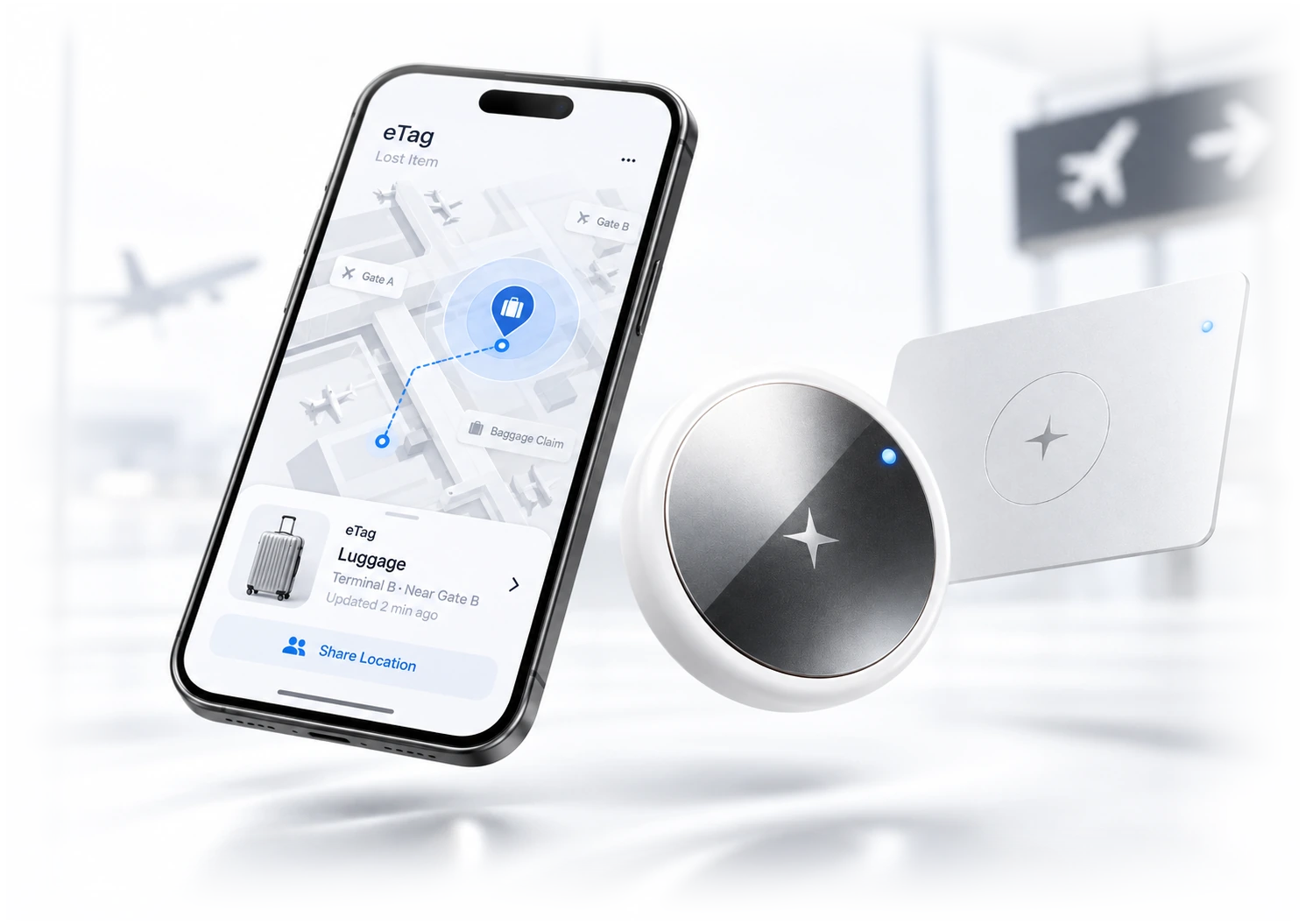
eTag is designed around ePhone and eFind services. Model-specific system requirements and supported software versions are provided with the applicable product documentation.
Get eTag product news, tips, feature updates, and important announcements from eFind.
By signing up, you agree to receive eTag email updates. You can unsubscribe anytime. Privacy Policy